
LE Audio and Auracast are appearing more often in portable speaker announcements and buyer conversations. For importers and private-label brands, the opportunity is real, but so is the risk of approving a claim from a specification line that only says "Bluetooth 5.4" or "Bluetooth 6.0." A Core version, a chip data sheet and a finished product feature are three different things. This guide explains how an OEM Bluetooth speaker buyer can verify the actual experience before quotation, packaging or mass production.
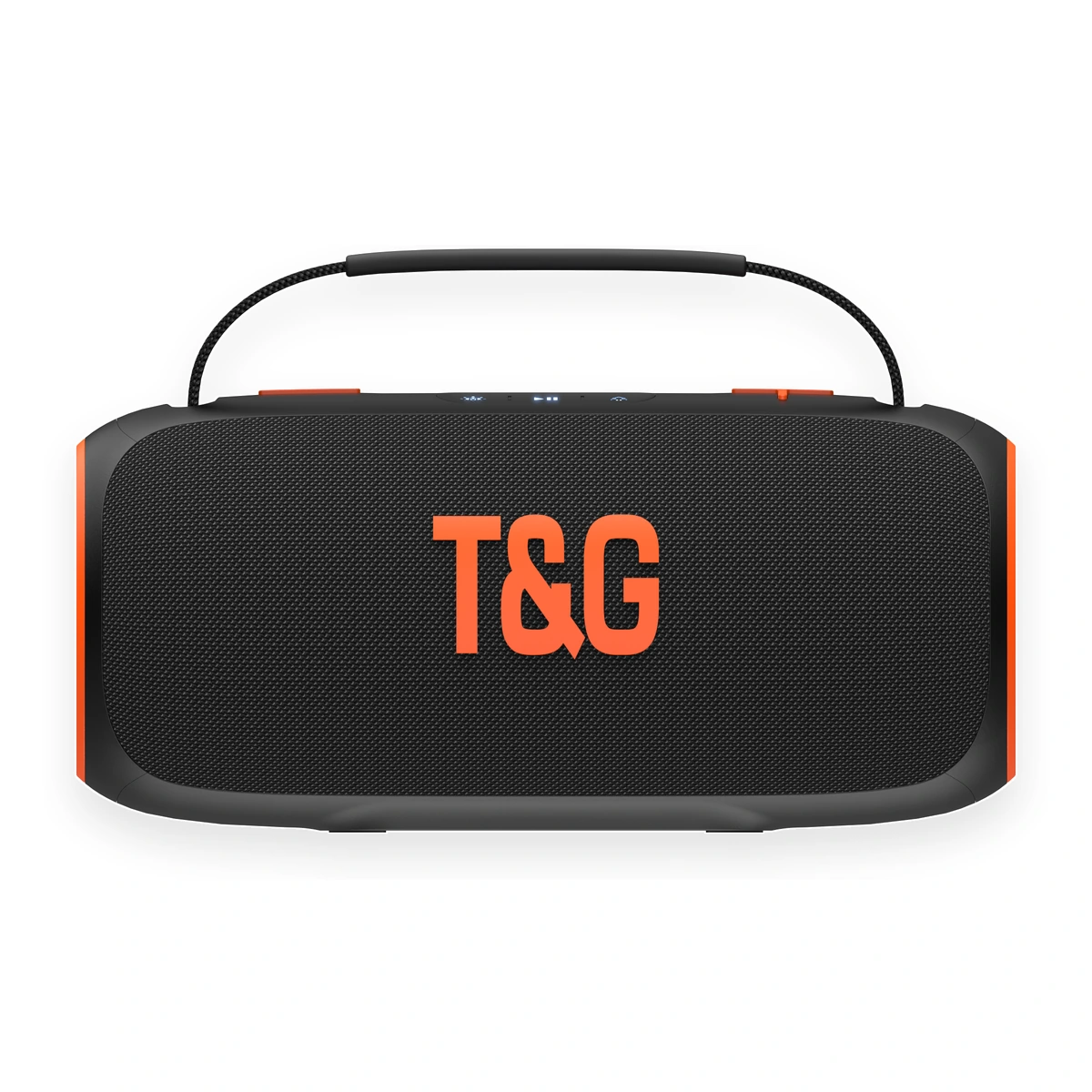
Product image: T&G portable Bluetooth speaker. LE Audio and Auracast availability are not implied by this image and must be confirmed for the selected model.
Why LE Audio and Auracast Are Getting Buyer Attention
Wireless audio products increasingly compete on more than basic one-to-one pairing. Current product launches and buying guides highlight multi-speaker playback, broadcast audio, USB-C audio, lighting, battery performance and stronger interoperability stories. The Bluetooth Special Interest Group describes LE Audio as a platform that enhances Bluetooth audio and introduces Auracast broadcast audio.
Auracast allows a transmitter to broadcast audio that multiple in-range receivers can join. That creates possible use cases for shared listening, public venues and compatible speaker ecosystems. It can also give distributors and online sellers a new demonstration story. However, a useful sales feature must first be a repeatable product function.
A Bluetooth Version Number Is Not a Finished Feature List
The Bluetooth Core version tells a buyer which generation of the core specification is associated with the solution. It does not automatically confirm every optional profile or user-facing function supported by that version. According to the official Bluetooth Auracast FAQ, Auracast requires specific features introduced in Bluetooth Core 5.2 and the Public Broadcast Profile within the LE Audio specifications.
This is why a newer version number alone is not enough. A product can use a newer Bluetooth solution for stable standard audio while not implementing LE Audio or Auracast. It can also support selected LE Audio functions without supporting every broadcast role or user workflow.
Understand the Three Auracast Roles
Before asking a factory for an "Auracast speaker," define what the product must do. The official architecture distinguishes three roles:
Transmitter
Starts an audio broadcast. A phone, television, adapter or other audio source may perform this role.
Receiver
Receives and plays a compatible broadcast. A Bluetooth speaker may be designed as a receiver, but this must be confirmed.
Assistant
Helps a receiver discover and join a broadcast, often through a user interface on a phone or another device.
A statement such as "supports Auracast" is incomplete if the buyer does not know the product role, compatible source, discovery method and user steps. Write the role into the product brief and sample checklist.
Seven Checks Before Approving an Advanced Bluetooth Claim
1. Ask for the exact chip solution and implemented profiles
Do not stop at the Bluetooth version. Ask which chip or module is used, which profiles are enabled in the product firmware and whether the quoted configuration is the same as the sample. A chip may technically support a function that the finished firmware does not enable.
2. Define the feature in plain user language
Replace broad labels with an observable action. For example: "one compatible phone broadcasts to three compatible speakers," or "the speaker joins a public broadcast selected through a supported phone." This makes engineering review, sample approval and marketing wording much clearer.
3. Confirm transmitter, receiver and assistant compatibility
List the phones, adapters or other devices used for testing. Compatibility can depend on hardware, operating system, app and regional software. One successful demonstration should not be described as universal compatibility.
4. Test the complete sample workflow repeatedly
Record discovery, connection, reconnection, power cycling, multi-device behavior, working distance and recovery after interruption. Repeat the test on more than one unit. For online sellers, the setup steps should also be simple enough to explain in a product video and user manual.
5. Check audio, latency and battery behavior
Run the advanced feature while testing normal playback volume, sound stability and charging behavior. If several speakers are involved, check synchronization in the intended use case. Battery runtime should be tested under the actual feature conditions, not copied from a basic playback test.
6. Review qualification and trademark wording
The Bluetooth SIG states that products using the Auracast brand must meet applicable qualification and trademark requirements. Buyers should request the relevant information for the exact product and should not add an Auracast logo to packaging only because a chipset presentation mentions the technology.
7. Lock the approved configuration
The approved sample should identify the hardware, firmware and key behavior. If a chip, module or firmware changes before a repeat order, the advanced feature should be retested. This is part of practical Bluetooth speaker specification verification, not just marketing.
When the Feature May Matter to B2B Buyers
LE Audio or Auracast may be relevant when a buyer has a clear compatible-device ecosystem, a multi-speaker demonstration plan or a market that understands the feature. It can interest technology distributors, selected retail projects, e-commerce sellers with strong educational video content and brands building a coordinated audio range.
It should not automatically replace the fundamentals. For many mobile accessories wholesalers, gift companies and volume importers, stable standard pairing, realistic battery information, sound at working volume, durable packing, custom logo support and consistent production remain more important than a feature the customer may not use.
What to Put in an OEM Request
A clear request helps an OEM/ODM Bluetooth speaker factory assess feasibility instead of guessing. Include:
- Target country, buyer type and sales channel.
- Required Bluetooth behavior in plain user language.
- Required role: transmitter, receiver or both, if Auracast is requested.
- Reference phone, television, adapter or source devices.
- Target quantity, price position and sample deadline.
- Logo, color, packaging, manual and labeling requirements.
- Required qualification, testing and market documentation.
- Whether the feature is mandatory or optional for quotation.
How T&G Handles Model-Specific Feature Requests
T&G is a Bluetooth speaker OEM/ODM factory in Shenzhen, China, supplying portable, mini, RGB, gift, magnetic, outdoor and selected high-power speaker directions for global B2B buyers. T&G supports custom logo, private label and packaging discussions.
T&G does not claim that every current model supports LE Audio or Auracast. Chip solution, firmware, qualification, compatibility, MOQ, price and lead time must be confirmed for the selected model and project. Buyers can send the required workflow, target market and quantity so the team can check an existing option or discuss development feasibility with the appropriate solution partner.
FAQ
Bluetooth Version, LE Audio and Auracast FAQ
Does Bluetooth 5.4 automatically mean a speaker supports LE Audio or Auracast?
No. The Core version alone does not prove implementation. Verify the chip solution, profiles, firmware, qualification and sample behavior.
What is the difference between LE Audio and Auracast?
LE Audio is a Bluetooth audio platform. Auracast broadcast audio is an optional capability built on defined broadcast audio configurations and the Public Broadcast Profile.
What should an OEM buyer request before approving an Auracast claim?
Request the exact role, chip and firmware information, qualification details where applicable, compatible test devices, a repeatable sample test and approved packaging wording.
Can firmware add the function to an existing speaker?
Sometimes, but it depends on the underlying hardware and supplier roadmap. Do not promise a future update without confirmation for the exact product.
Does every private label project need Auracast?
No. The feature should fit the target market, device ecosystem, cost position and sales message. Core product stability may matter more for many volume channels.
Do all T&G models support LE Audio or Auracast?
No. Availability is model-specific and must be confirmed before quotation, sample approval, packaging or advertising.
Need to verify a Bluetooth feature before quotation?
Send your target market, required user workflow, reference device, quantity, logo and packaging needs. T&G will confirm what requires model-specific technical review.